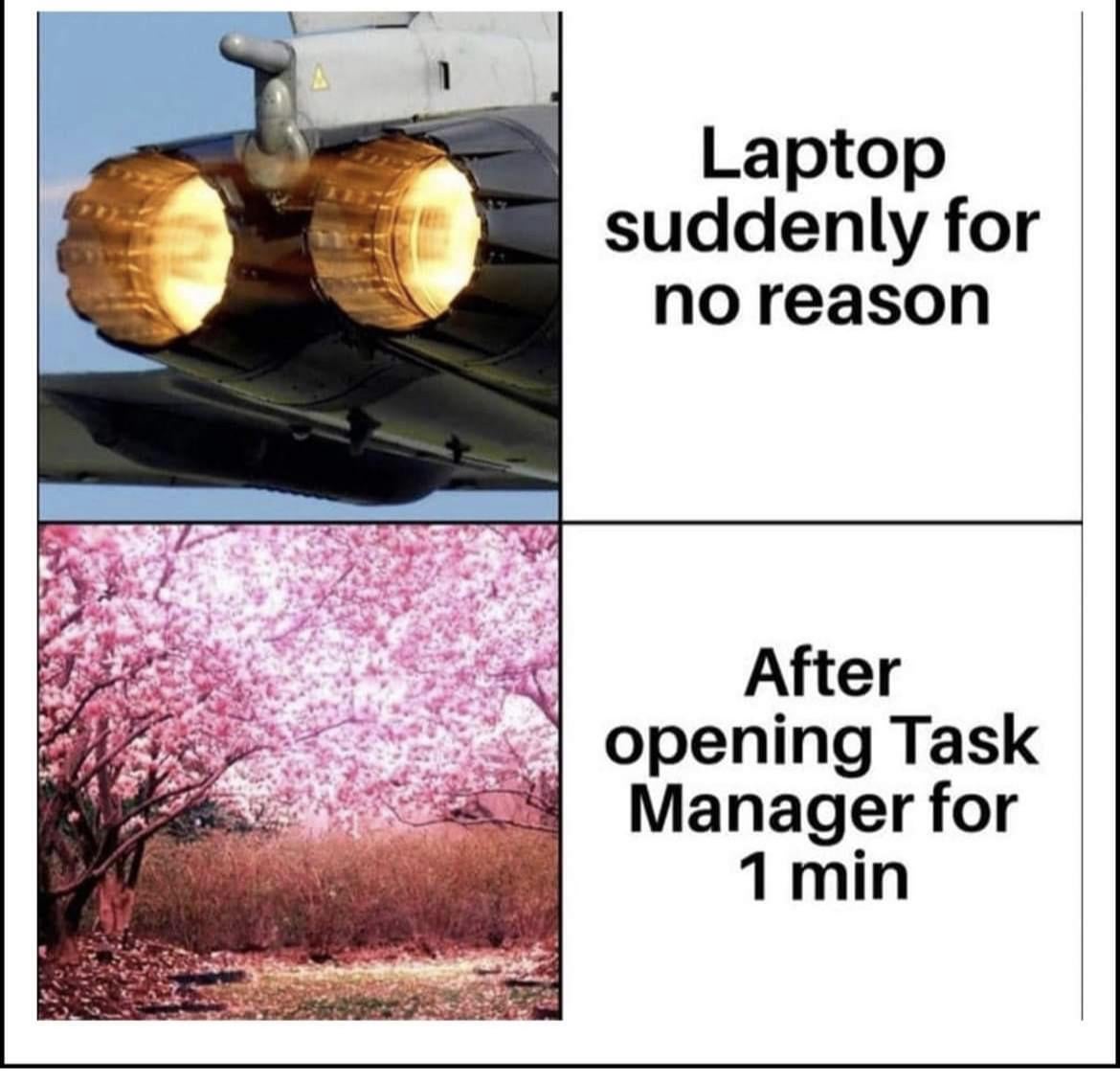
The CPU usage miraculously drops to 1% the second Task Manager starts looking at it
lucidbadger on
That’s the problem with Windows. It does something, but you can’t even identify what it is even if you have admin access to the system. How come some businesses look at it and say “yeah I’m gonna rely on this software”…
Apprehensive-Sock596 on
Schrödinger’s OS.
Gidiodon on

Significant_Fee8775 on
my laptop really stops screaming the second i open task manager like it wasn’t just trying to achieve liftoff
Solex_ on
MacBook Air users: “you guys have fans?”
Ok_Resident_3373 on
I second this
Solex_ on
It’s usually update services, telemetry and other scheduled tasks. They pop up, run a task and complete before you can check what it was.
Kulsgam on
Windows is clearly hiding something
unpleasent_wizard on
Linux ftw
_Unkn0 on
Well, there are some malwares and such things that ‘hide’ themselfes when opening task manager to stay out of your sight.
Unim8 on
I once was told by an Asian friend that opening the task manager is like an Asian mother showing a slipper to an unbehaving child
cosmoscrazy on
I had this with the Windows update service – which has a strange name.
The reason your laptop gets silent when you open the Task Manager in that case is that the updater only fires up if the laptop is in idle mode in the first place. So the moment you end the idle mode by actively opening the task manager, the update activity is slowed down or stopped.
Dazzling_Mall_7210 on
Microsoft telemetry
Most-Extreme-9681 on
uhh
guys
there are literally tasks that wait until they detect the computer is idle before starting
then
when you go to check to see what is going, it is meant to be run only when idle,
they stop
Bro_Hawkins on
Frodo realizing Sauron’s watching him and immediately taking the ring off.
lostguk on
Yoo mine says 86% with only task manager opened
Alternative_Rip_4971 on
you’ve been hacked probably, reinstall windows from zero
Clemmyclemr on
They’re scared of my power (none)
Compultra on
If it’s doing this when left idle, try opening task manager without moving the cursor (use Ctrl+Shift+Esc), you mightspot something. In my case it was some legit Windows update process that wanted to run when “idle”.
Wish we had finer control over it.
anh0516 on
Memes aside, CPU usage dropping when opening Task Manager is actually a strong indicator of a cryptominer or similar malware hiding itself to avoid detection. You may be able to see it if you use a different tool such as Process Hacker.
rainmakeroo7 on
task manager

edin202 on
The malware is Windows itself, sending all the information from your PC to itself.
Apprehensive_Hand571 on
Your intakes are full of pocket lint
crazedhark on
fear keeps them in line.
AlekThunder88 on
It‘s secretly using AI behind your back…
ArgonthePenetrator on
Happened when I had an HDD, laptop stopped acting like that when I swapped in a SSD

27 Comments
The CPU usage miraculously drops to 1% the second Task Manager starts looking at it
That’s the problem with Windows. It does something, but you can’t even identify what it is even if you have admin access to the system. How come some businesses look at it and say “yeah I’m gonna rely on this software”…
Schrödinger’s OS.

my laptop really stops screaming the second i open task manager like it wasn’t just trying to achieve liftoff
MacBook Air users: “you guys have fans?”
I second this
It’s usually update services, telemetry and other scheduled tasks. They pop up, run a task and complete before you can check what it was.
Windows is clearly hiding something
Linux ftw
Well, there are some malwares and such things that ‘hide’ themselfes when opening task manager to stay out of your sight.
I once was told by an Asian friend that opening the task manager is like an Asian mother showing a slipper to an unbehaving child
I had this with the Windows update service – which has a strange name.
The reason your laptop gets silent when you open the Task Manager in that case is that the updater only fires up if the laptop is in idle mode in the first place. So the moment you end the idle mode by actively opening the task manager, the update activity is slowed down or stopped.
Microsoft telemetry
uhh
guys
there are literally tasks that wait until they detect the computer is idle before starting
then
when you go to check to see what is going, it is meant to be run only when idle,
they stop
Frodo realizing Sauron’s watching him and immediately taking the ring off.
Yoo mine says 86% with only task manager opened
you’ve been hacked probably, reinstall windows from zero
They’re scared of my power (none)
If it’s doing this when left idle, try opening task manager without moving the cursor (use Ctrl+Shift+Esc), you mightspot something. In my case it was some legit Windows update process that wanted to run when “idle”.
Wish we had finer control over it.
Memes aside, CPU usage dropping when opening Task Manager is actually a strong indicator of a cryptominer or similar malware hiding itself to avoid detection. You may be able to see it if you use a different tool such as Process Hacker.
task manager

The malware is Windows itself, sending all the information from your PC to itself.
Your intakes are full of pocket lint
fear keeps them in line.
It‘s secretly using AI behind your back…
Happened when I had an HDD, laptop stopped acting like that when I swapped in a SSD